Fall Into Focus: October at DripJobs 🍂

October brought big additions to help your team work smarter and keep customers happy. Your customers can now read documents in their own language, Zapier can alert you the moment a customer email arrives, and anyone on your team can connect Google Calendar in seconds. Here’s what’s new to help you grow your business.
🌎 Customer Portal
🗣️ Show Documents in Your Customer’s Language
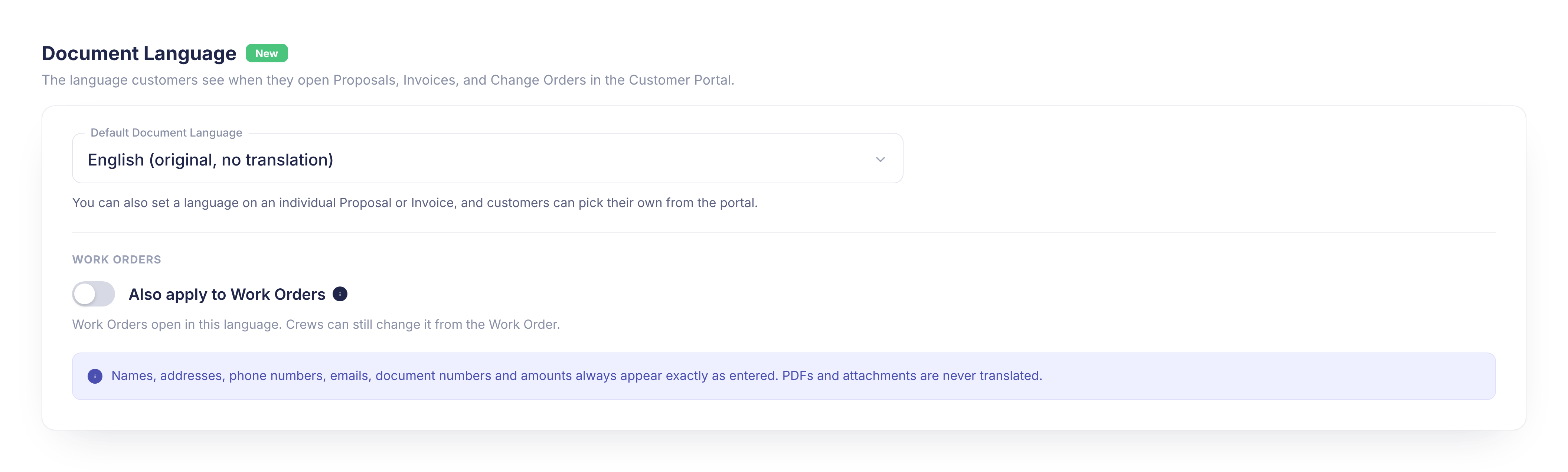
Admins can now set a Default Document Language for the proposals, invoices, and change orders customers open in the Customer Portal.
What’s new:
✅ Set a company default, or choose a language on an individual proposal or invoice (change orders follow their proposal)
✅ Customers get a language selector in the portal header, and their choice always comes first
✅ Optional “Also apply to Work Orders” setting, off by default
Why it matters: Customers who prefer another language can read your proposals and invoices comfortably, without you translating a thing.
Action required: Optional. Set your default in Company Settings > Customer Portal. Good to know: translation is automatic through Google Translate and applies to portal pages only. Downloaded PDFs stay in the original language, and names, addresses, numbers, and dollar amounts always stay exactly as entered.
🔗 Integrations
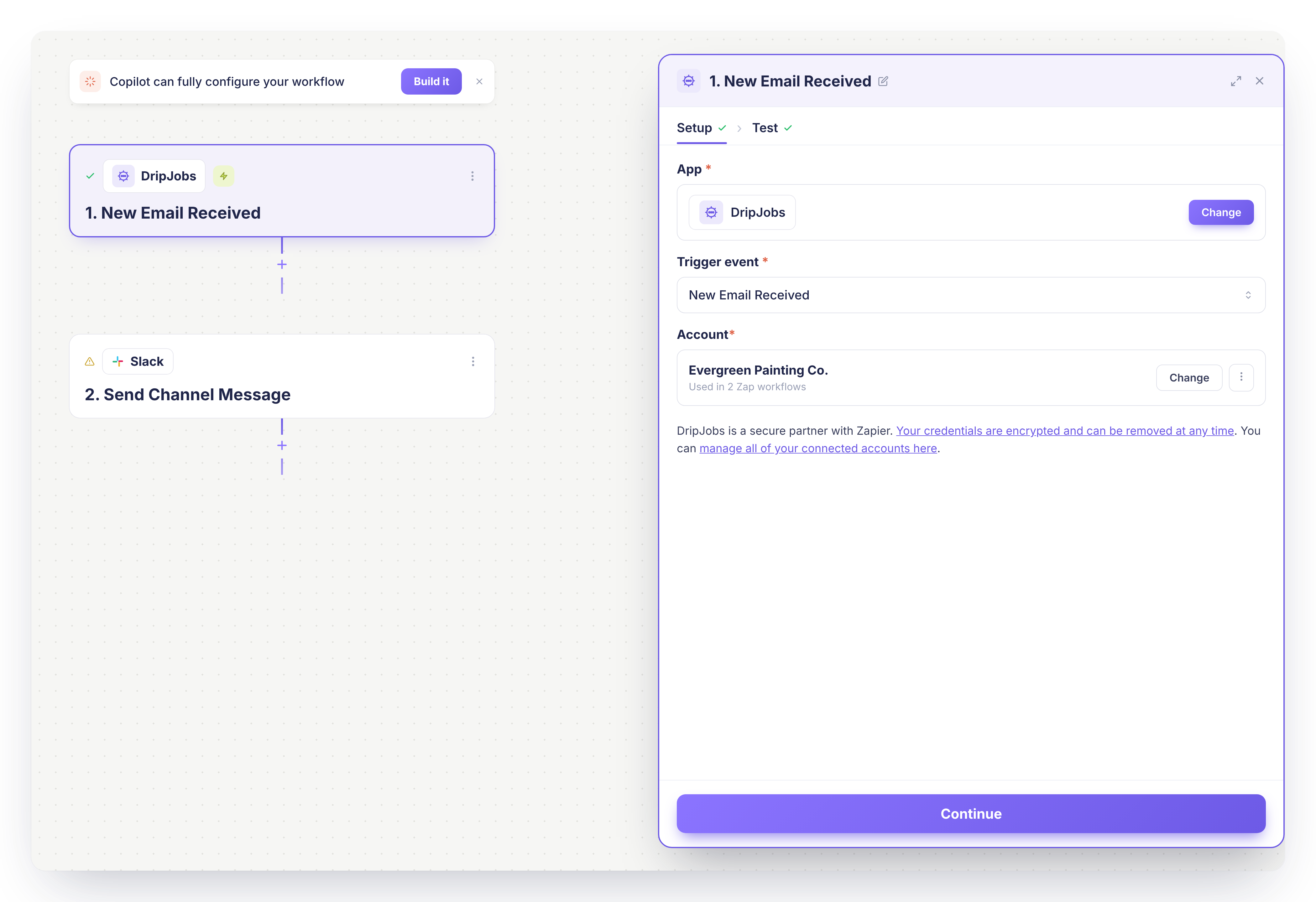
⚡ New Zapier Trigger: New Email Received
A brand new Zapier trigger fires every time a customer email arrives in your DripJobs Inbox, replies included.
What’s new:
✅ Sends the customer’s name, phone, and email
✅ Includes the assigned Salesperson and Project Manager
✅ Shares the email content, date received, and type (Proposal, Invoice, Drip Reply, or Change Order)
Why it matters: Alert your team instantly or log customer replies in the tools you already use, all automatically.
Action required: Turn on “Route all email replies to DripJobs” in Company Settings > Email Settings, then add the trigger in Zapier.
🗓️ Payment Schedules in the “New Invoice Created” Trigger
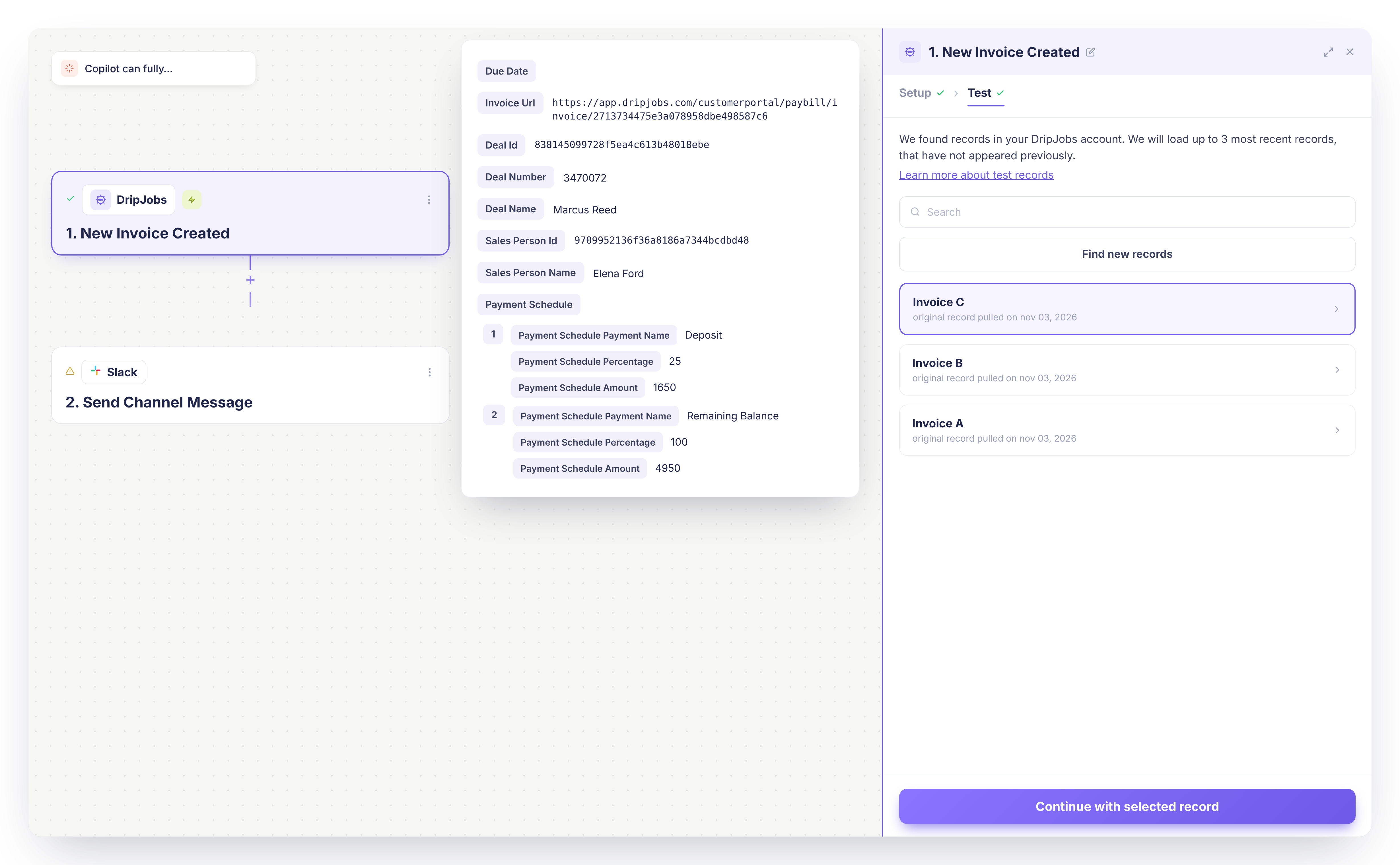
The Zapier “New Invoice Created” trigger now includes each invoice’s Payment Schedule.
What’s new:
✅ Lists every scheduled payment in order
✅ Shows each payment’s name, percentage, and dollar amount
✅ Existing Zaps keep working with no changes
Why it matters: Send payment milestones into your other tools without retyping them.
Action required: None! Add the new field to any Zap where you want it.
📆 Google Calendar, Now Managed From My Profile
Every user, admin or not, can now connect and manage Google Calendar in one place.
What’s new:
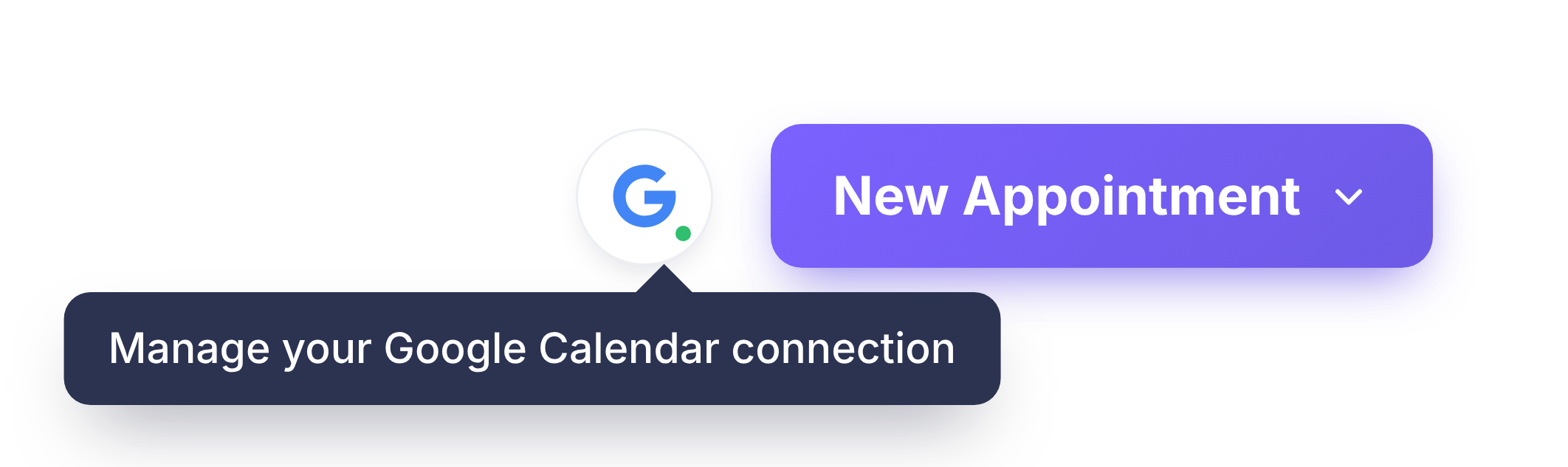
✅ A compact Google icon on Appointments and Job Schedule takes you straight to My Profile
✅ New Sync Appointments and Sync Jobs toggles let you choose what syncs
✅ Admins see a view only Google Calendar card in Settings > Integrations that links back to My Profile
Why it matters: Anyone on your team can get their schedule on Google Calendar without digging through admin settings.
Action required: Go to My Profile > Google Calendar to connect, choose what syncs, or disconnect, then click Save. Sync goes one way, from DripJobs to Google, and turning it off keeps events already on Google.
Questions about anything above? Reach out to our support team, we love hearing how these updates land in the field.
See all releases anytime at dripjobs.com/whats-new
🎓 Training Opportunities
Want to get the most out of DripJobs? Our team offers refresher sessions to help you master the platform. Whether you need a general overview or want to dive deep into specific features, we've got you covered!
📍 Refreshers – Perfect for brushing up on DripJobs fundamentals Schedule Here
📍 Expert Deep Dives – Advanced sessions on specialized topics:
Zapier Setup – Automate your workflows
Production Rates – Master accurate estimating
Job Costing – Track profitability like a pro
📖 Helpful Resources
📌 Need help with a specific topic? Check out our Help Center!