New Firepower – June at DripJobs ☀️

This June, we shipped a handful of new features that put more control in your hands — from embeddable booking forms to one-tap calling in the field to clickable metrics you can actually dig into. Here's everything new this month.
🆕 New This Month
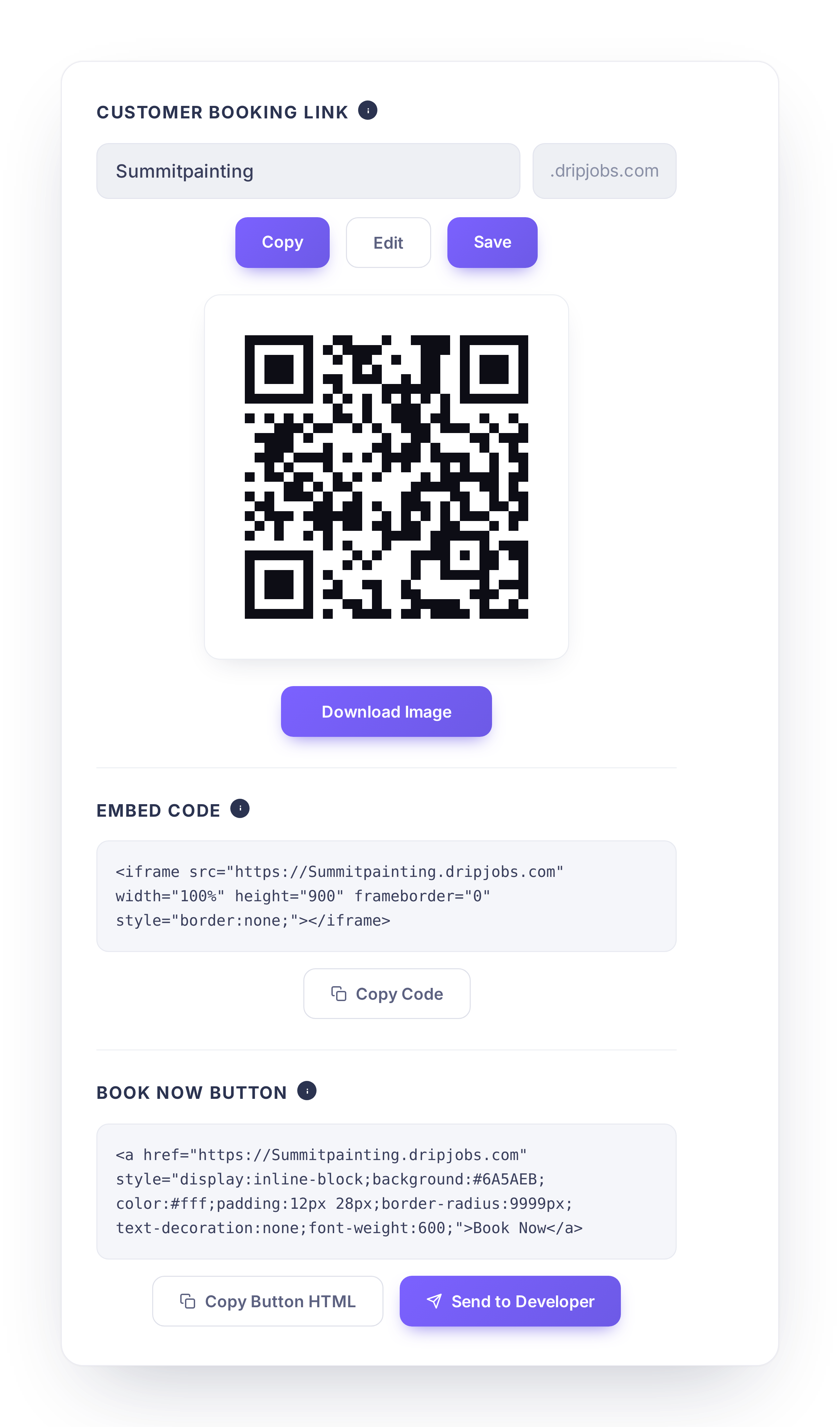
🔗 Embed Any Booking Form on Your Website
Generate an embed code for any booking form and send it straight to your developer by email, right from your Booking Forms list.
✅ Generate an embed code with one click
✅ Email the code directly to your developer, no copy-pasting
✅ Available next to any form in your Booking Forms list
Why it matters: If you want booking on your own website, this cuts out the back-and-forth of manually sending code.

📞 One-Tap Calling from the Mobile App
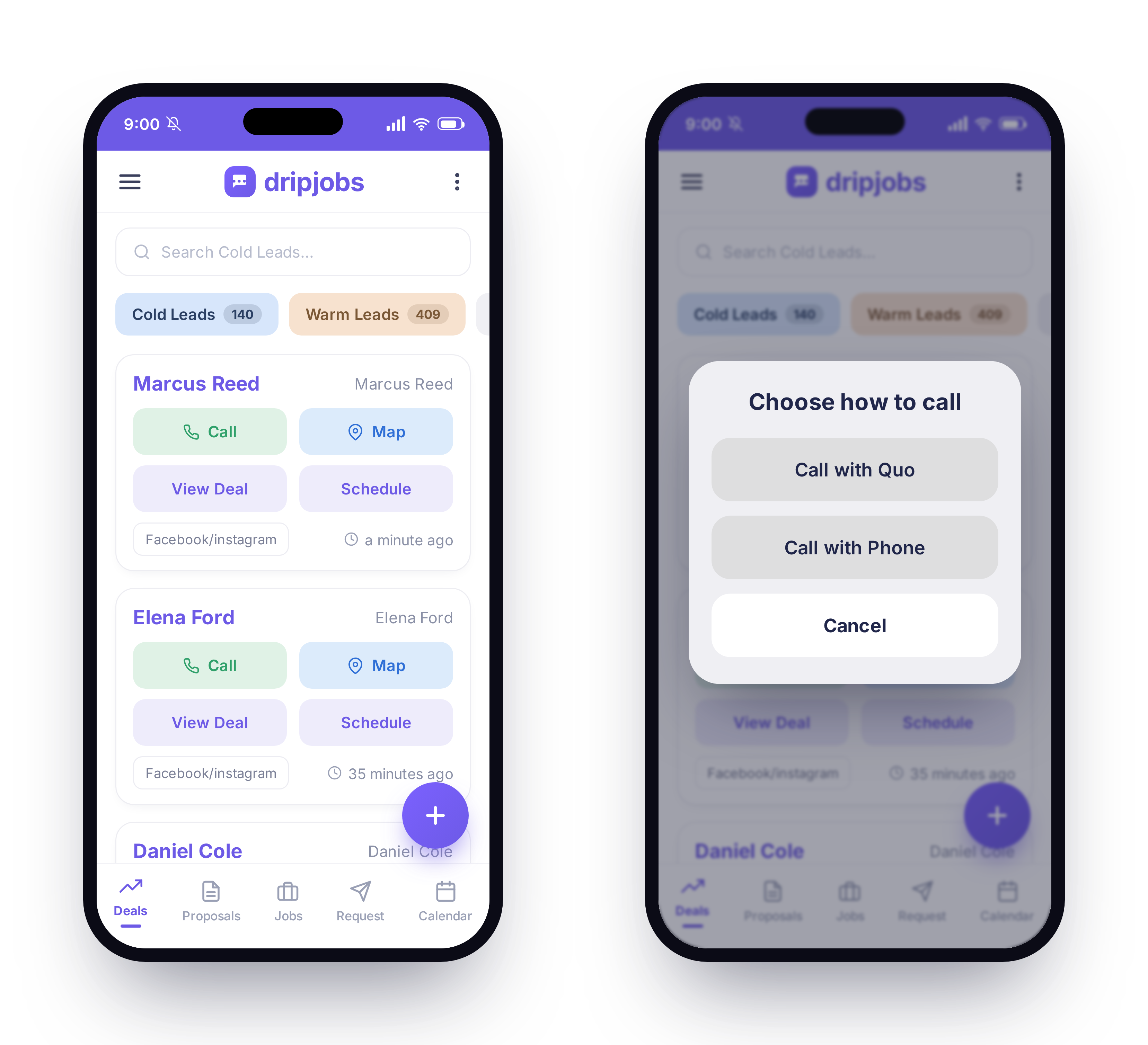
Tapping a phone number in the mobile app now deep-links directly into the Quo calling app.
✅ Tap any phone number to call instantly through Quo
✅ No more switching apps or copying numbers
Why it matters: One tap instead of several means faster callbacks from the field.
📧 Set a Company-Wide Reply-To Address
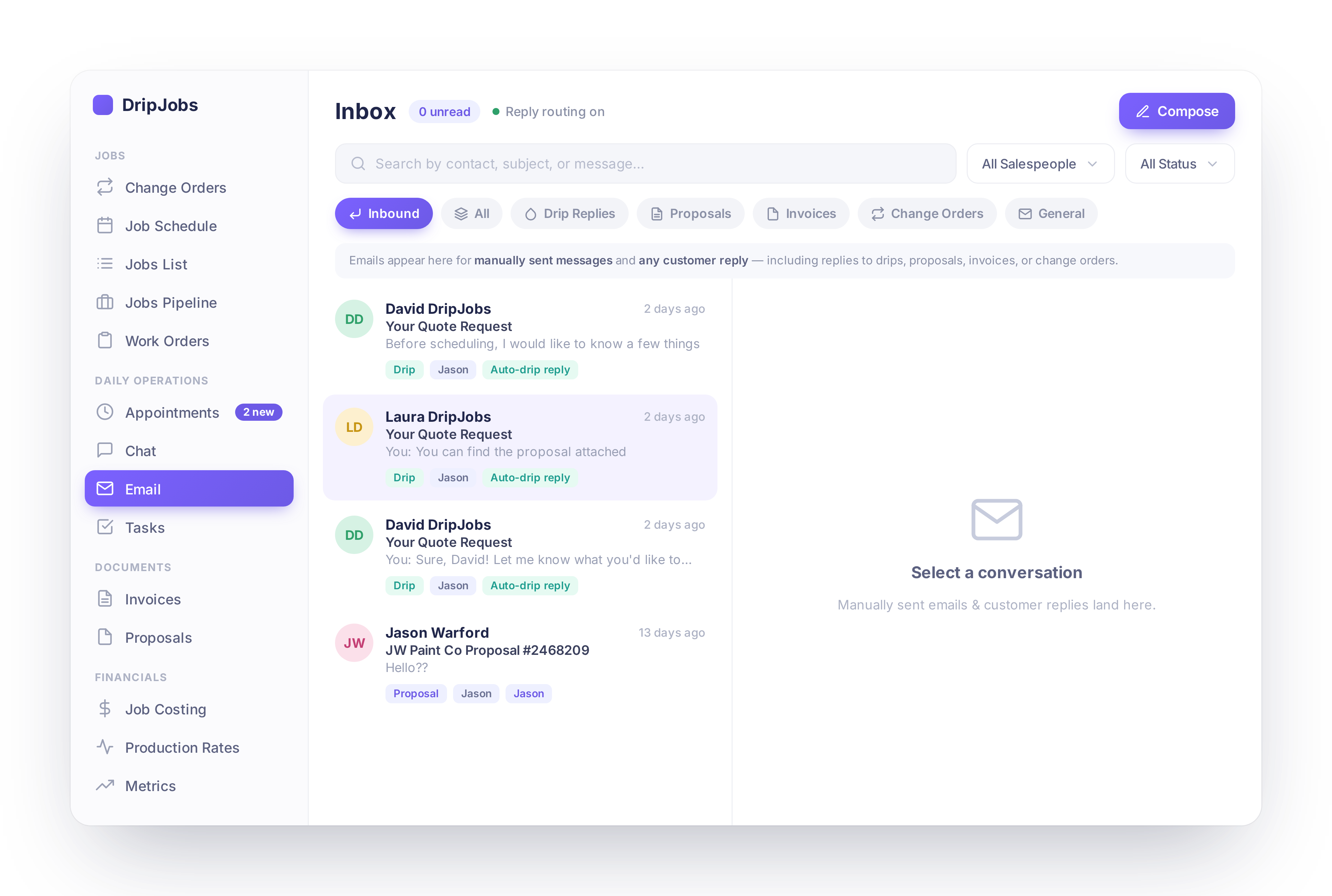
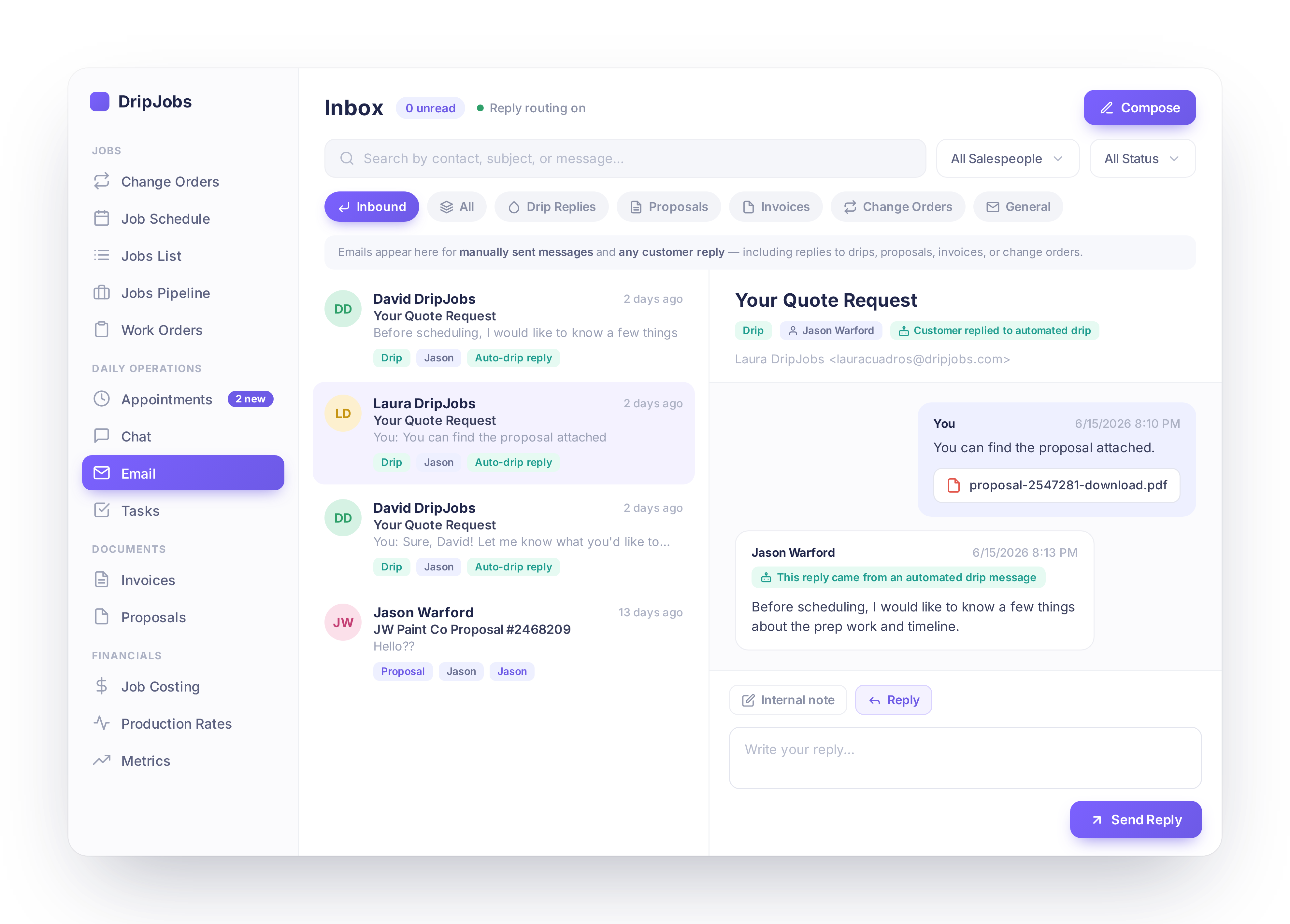
Set a single reply-to address for all outbound emails and messages sent from DripJobs.
✅ One reply-to address for every outbound email and message
✅ Configured once at the company level
Why it matters: Customer replies now land exactly where you want them, instead of wherever the system defaulted to.
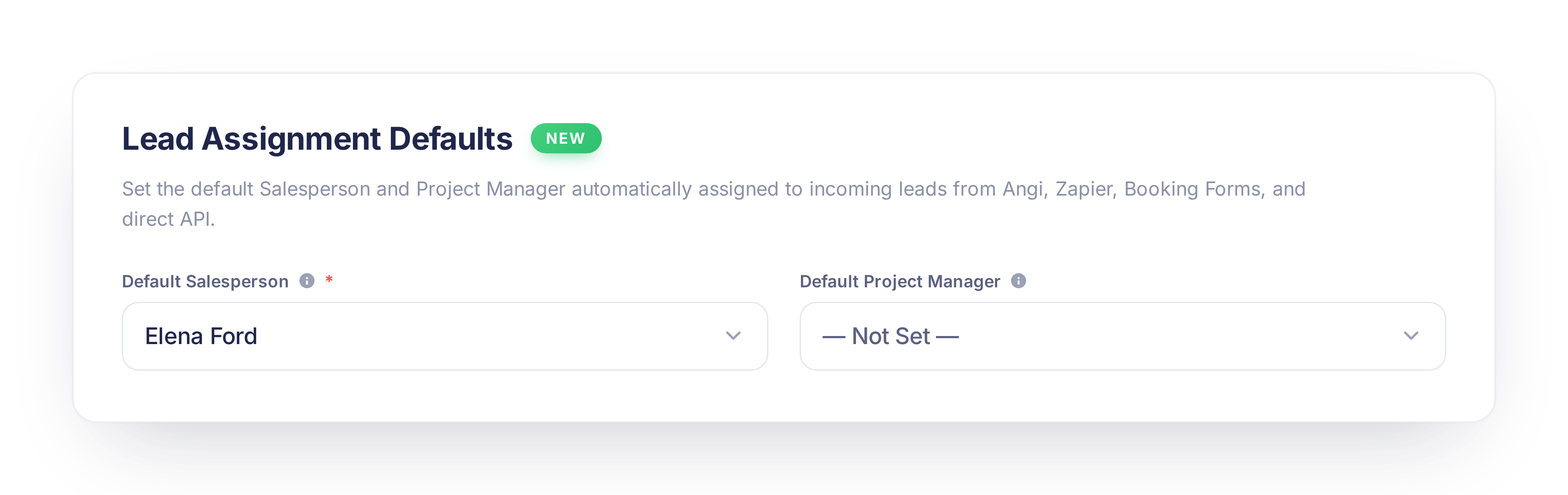
🤖 Auto-Assign Salesperson & Project Manager
Leads coming in through can now automatically be assigned a default salesperson and project manager.
✅ Set default assignees once in Settings
✅ Every automated lead routes exactly like the rest of your pipeline
Why it matters: Leads from automated sources used to need manual assignment — now they don't.
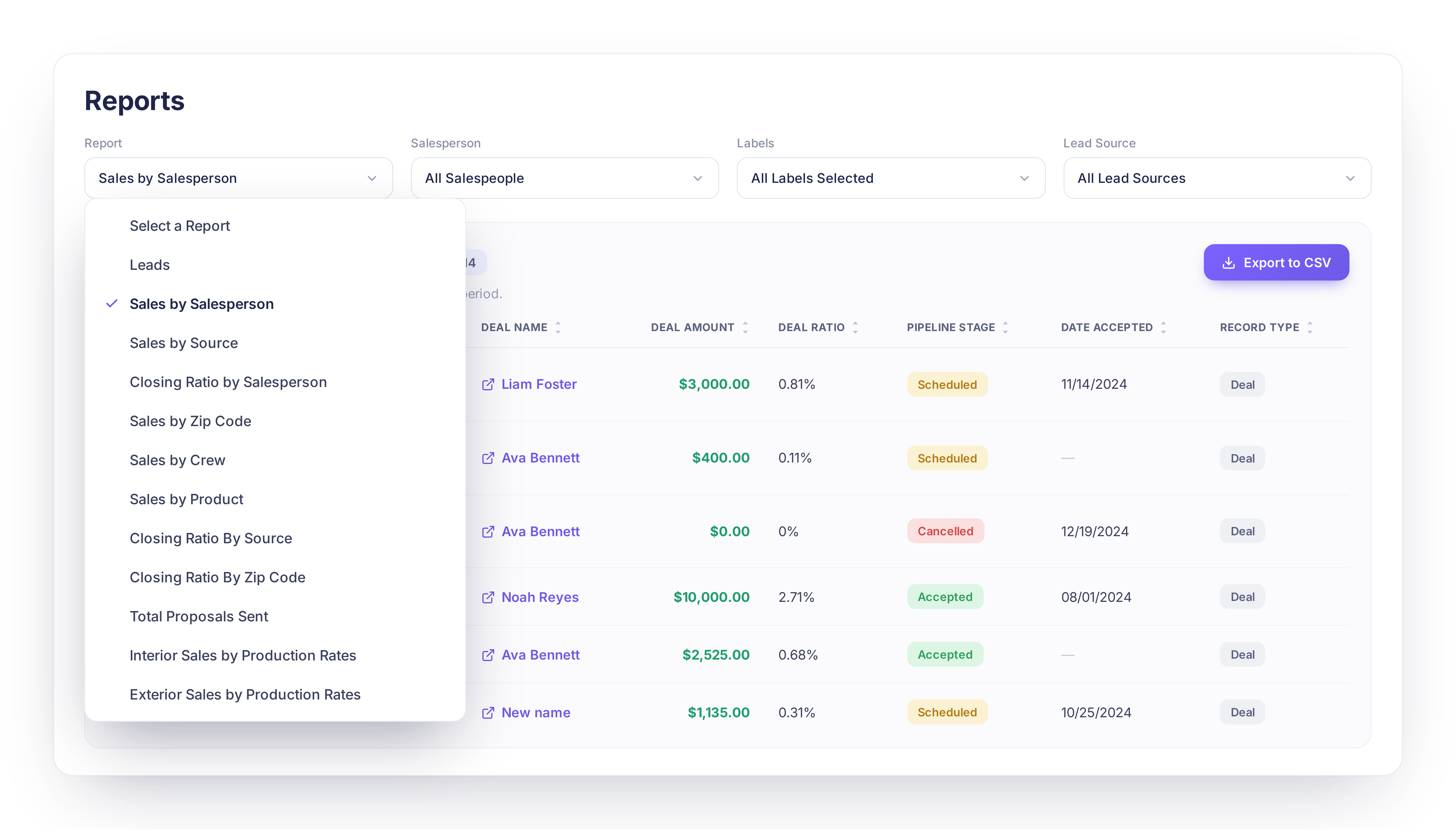
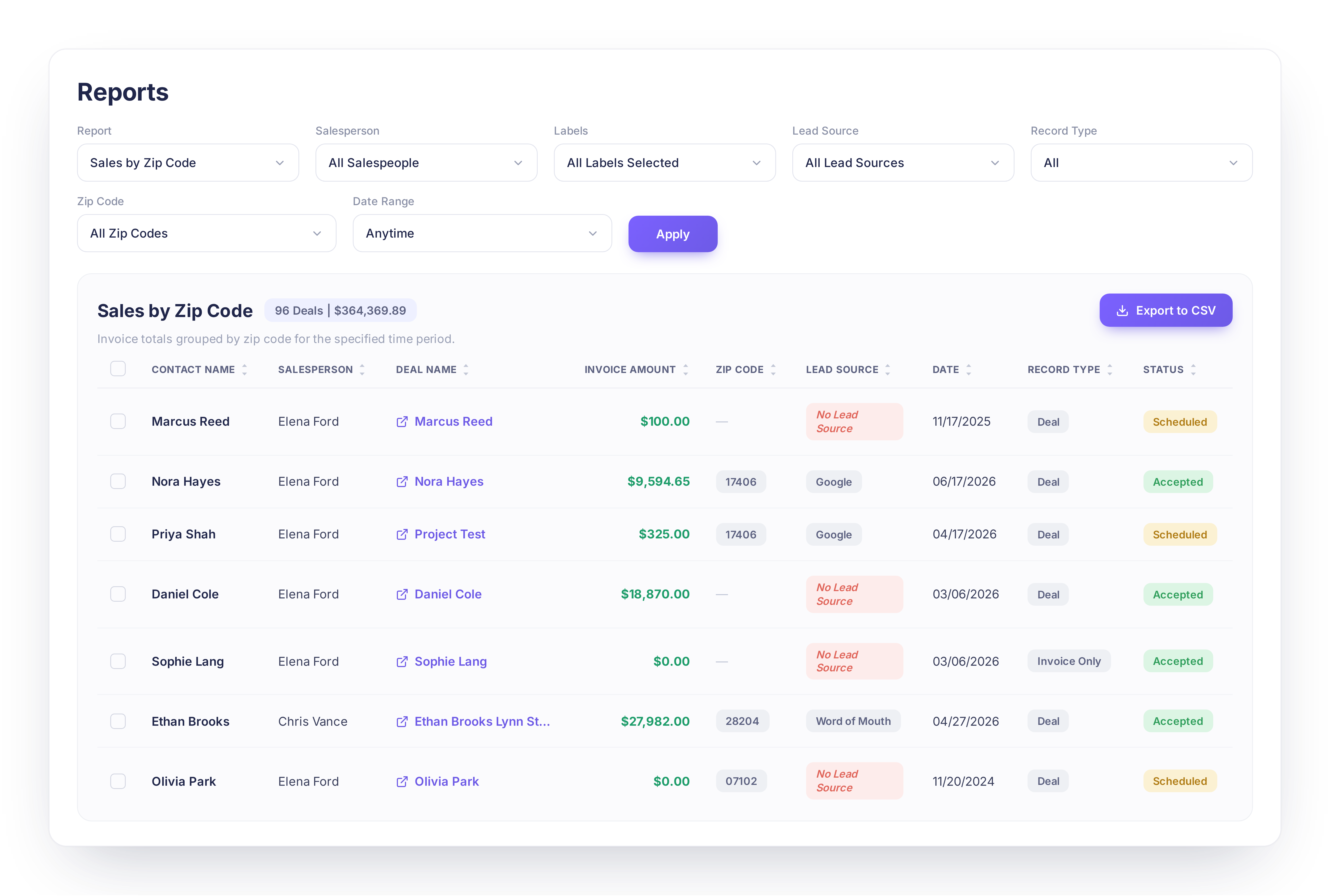
📊 Click Into Your Metrics & Reports
Metrics page cards and report sections are now clickable, with helpful hints and row-level drill-down.
✅ Click any metric card to see the numbers behind it
✅ Hover states and hint banners guide you to what's clickable
✅ Drill down to row-level detail on reports
Why it matters: You can now dig into the story behind each number instead of just seeing the top-line total.
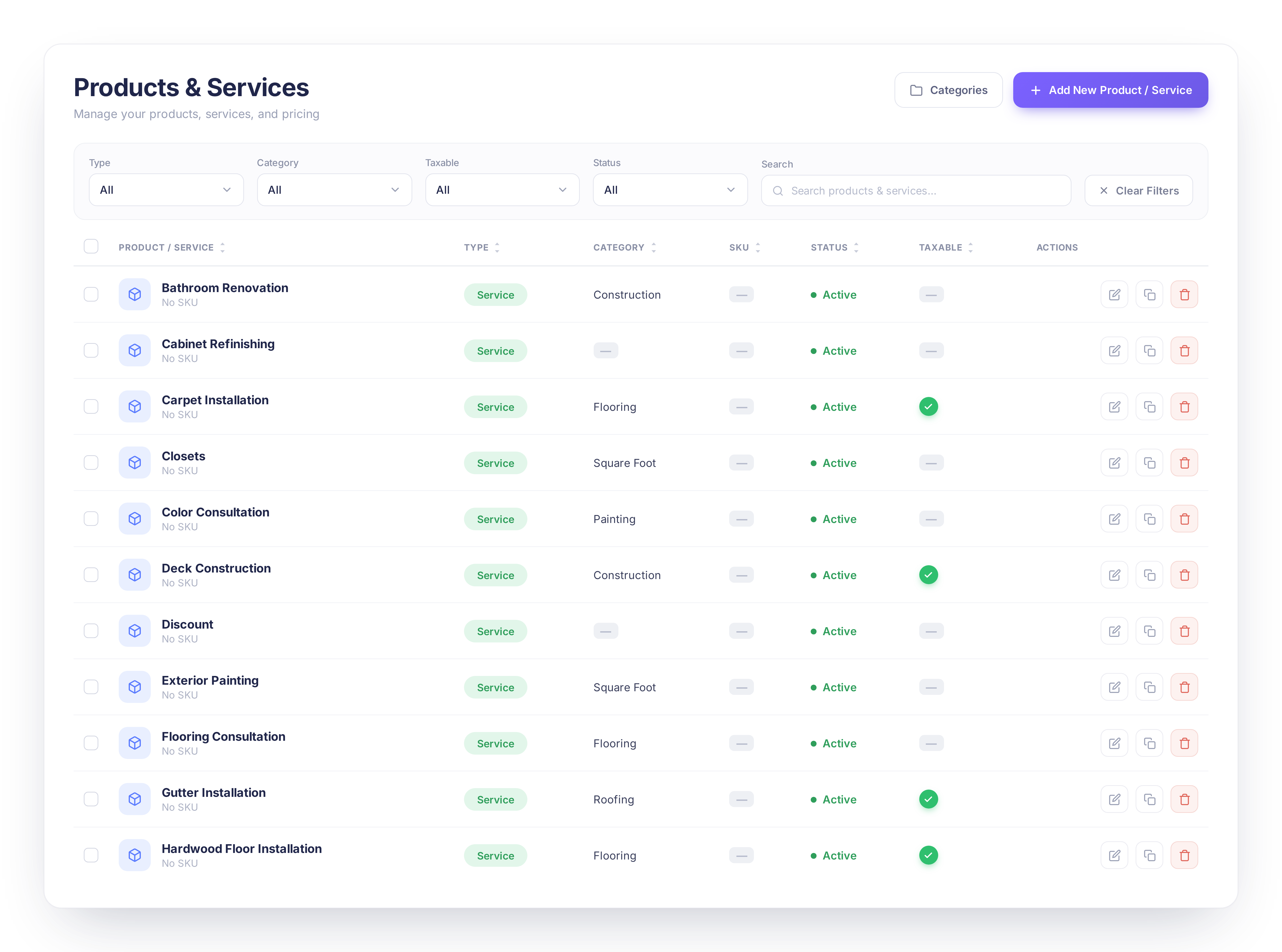
🎨 Products & Services, Refreshed
The Products & Services list and edit views have a cleaner, more modern look.
Why it matters: A clearer layout makes it faster to manage and update your catalog.
Questions about anything above? Reach out to our support team, we love hearing how these updates land in the field.
See all releases anytime at dripjobs.com/whats-new
🎓 Training Opportunities
Want to get the most out of DripJobs? Our team offers refresher sessions to help you master the platform. Whether you need a general overview or want to dive deep into specific features, we've got you covered!
📍 Refreshers – Perfect for brushing up on DripJobs fundamentals Schedule Here
📍 Expert Deep Dives – Advanced sessions on specialized topics:
Zapier Setup – Automate your workflows
Production Rates – Master accurate estimating
Job Costing – Track profitability like a pro
📖 Helpful Resources
📌 Need help with a specific topic? Check out our Help Center!